





 USD
USD EUR
EUR GBP
GBP CAD
CAD AUD
AUD HKD
HKD JPY
JPY KRW
KRW SGD
SGD NZD
NZD THB
THB TWD
TWD Nederlands
 English
 繁體中文
繁體中文 日本語
日本語 한국어
한국어 ไทย
ไทย Bahasa Indonesia
 Français
 Español
 Deutsch
 Português
 Tiếng Việt
By EVPADPro | 23 August 2021 | 0 Comments
TV Channels List of Inland China in the EVPAD TV Box
In July 2021, EVPAD launched two new EVPAD models, one is EVPAD 6P and the other is EVPAD 6S, both of which are the latest works of EVPAD, whether in terms of hardware configuration, function, or In the user experience, it will definitely bring you a diff

23August
By EVPADPro | 20 August 2021 | 0 Comments
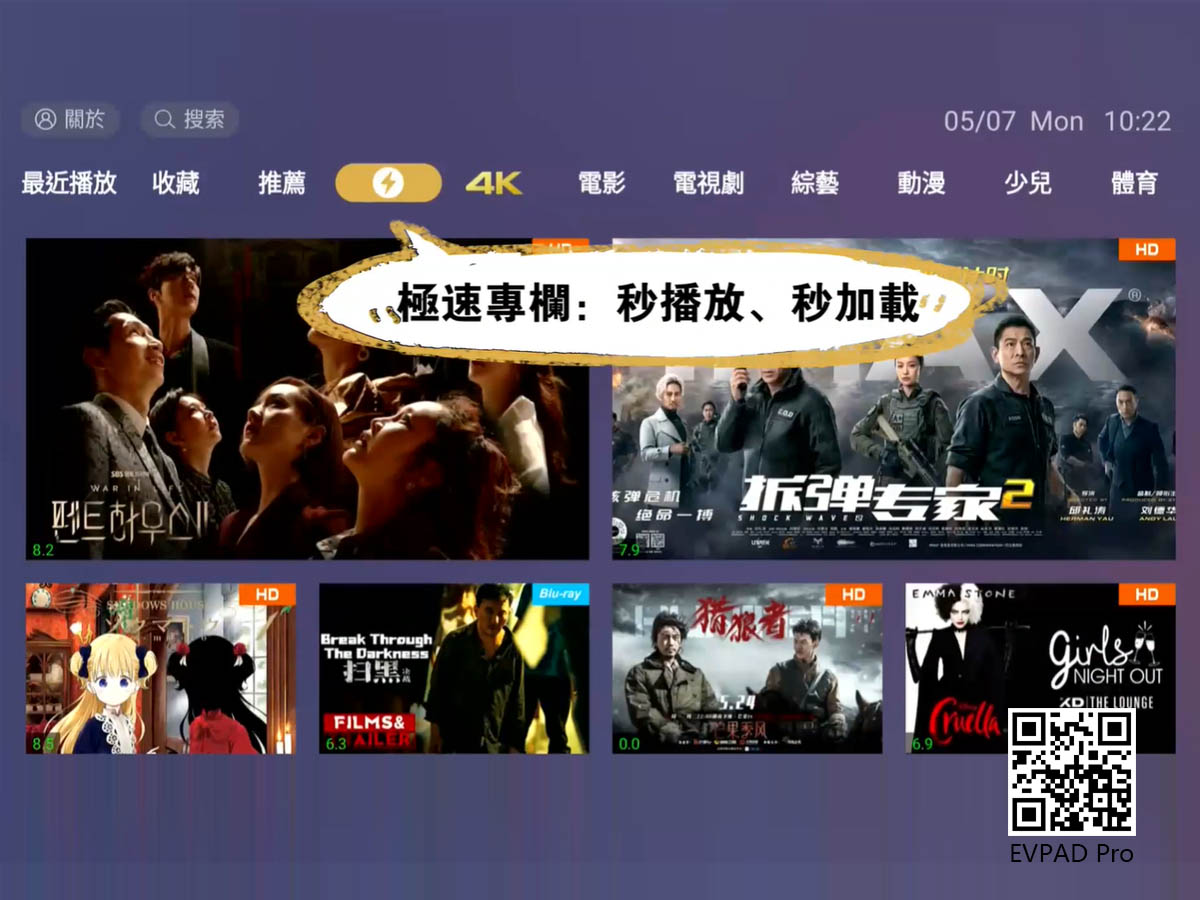
EVPAD 6P Venus VOD - A Variety of TV Channels and Movies are Countless
EVPAD 6P Smart Voice TV Box has been released for more than a month. Many users who have been waiting for this product a long time ago must have purchased EVPAD 6P and have been using it for a while. Of course, some users want to wait for a while, because
20August
By EVPADPro | 17 August 2021 | 0 Comments
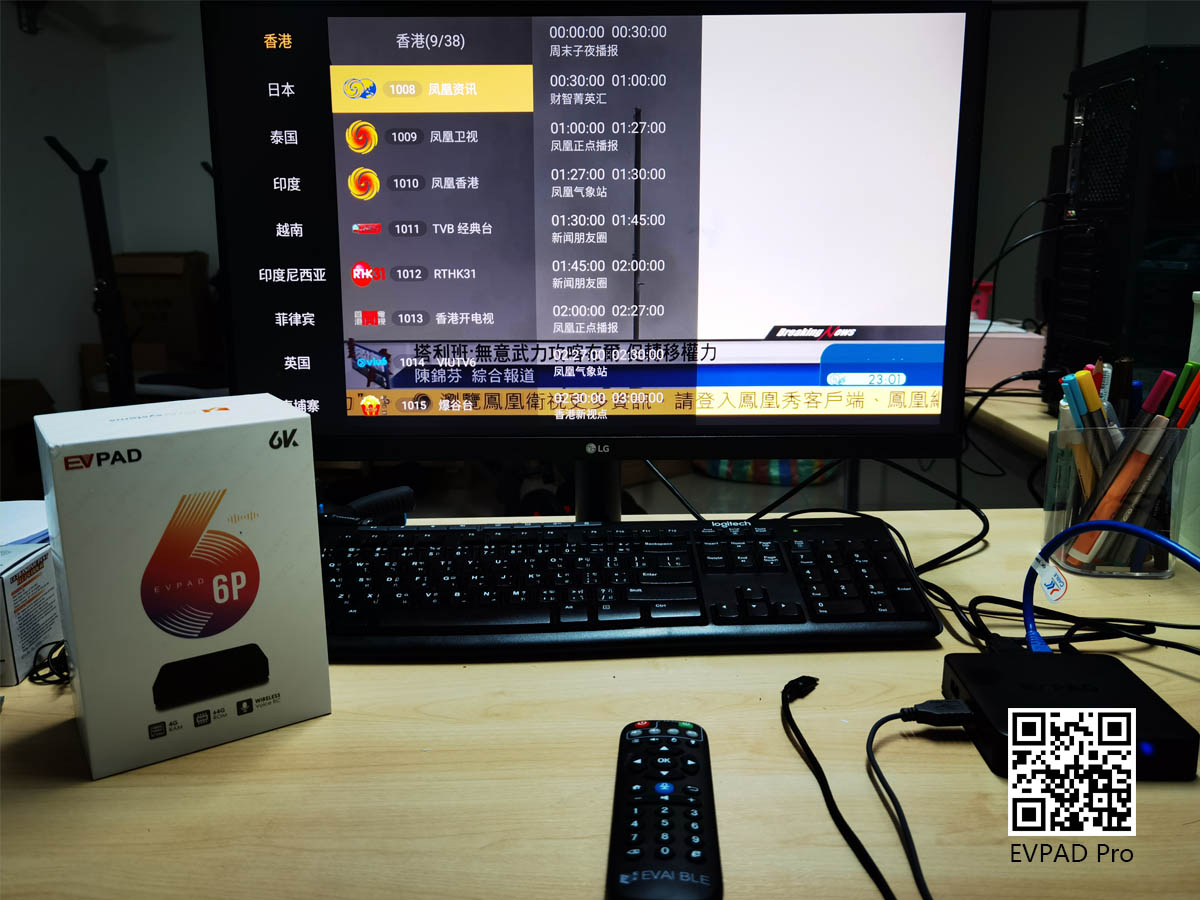
The TV Channel of the News Column in the EVPAD TV Box
And in EVPAD, there is a news column, there are news channels from various countries and regions, such as BBC News, New Era, Japan’s 연합뉴스 TV, EVPAD Hong Kong’s wireless news, etc., many news channels from different countries are in this You can find it in
17August
By EVPADPro | 16 August 2021 | 0 Comments
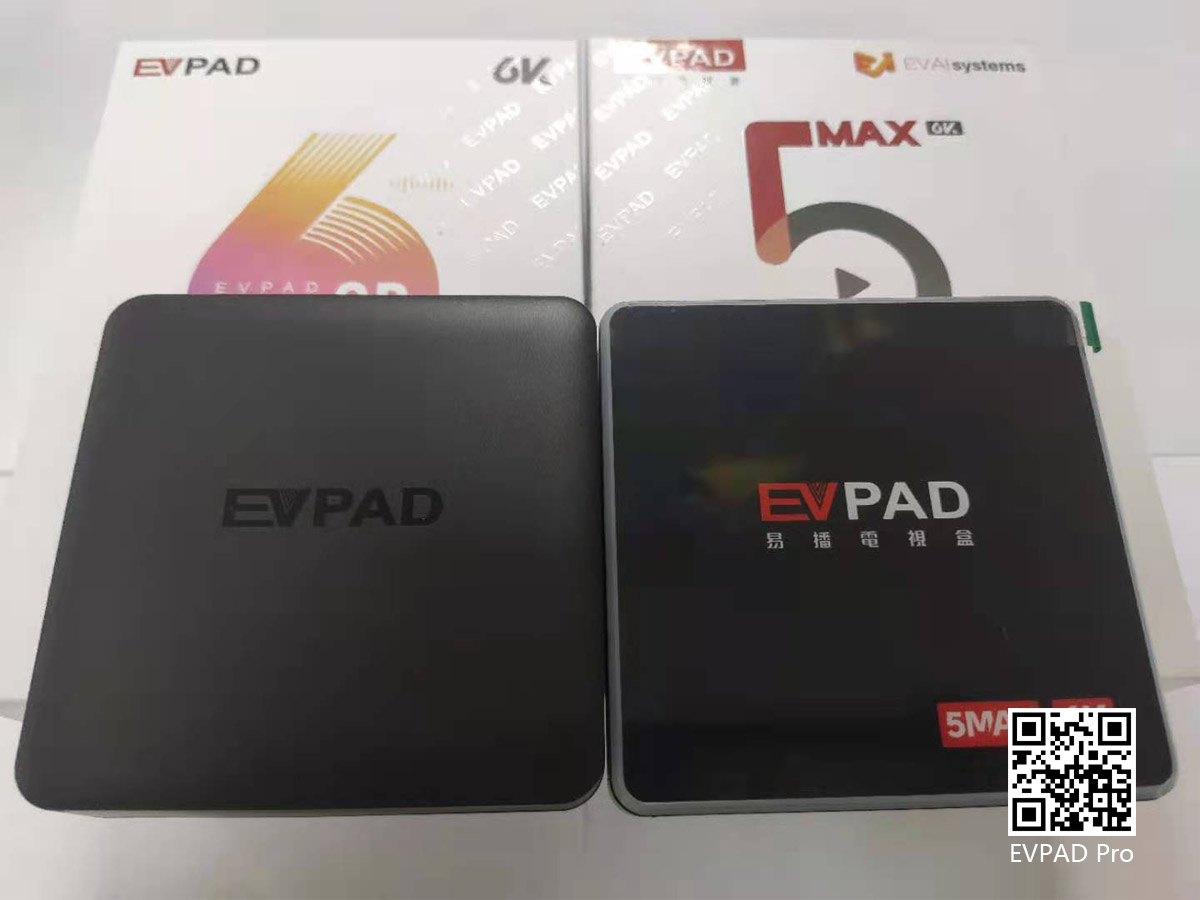
5 Best Selling EVPAD TV Boxes in 2021
Then there is the current 6P, EVPAD 6P vs 5P, and the difference between 5S and 6S is basically the same. In the application, 6P uses the Venus series, and 5P is the Jupiter series, and in the 6P Venus on-demand, the new "Speed Column" has been added, a
16August
By EVPADPro | 14 August 2021 | 0 Comments
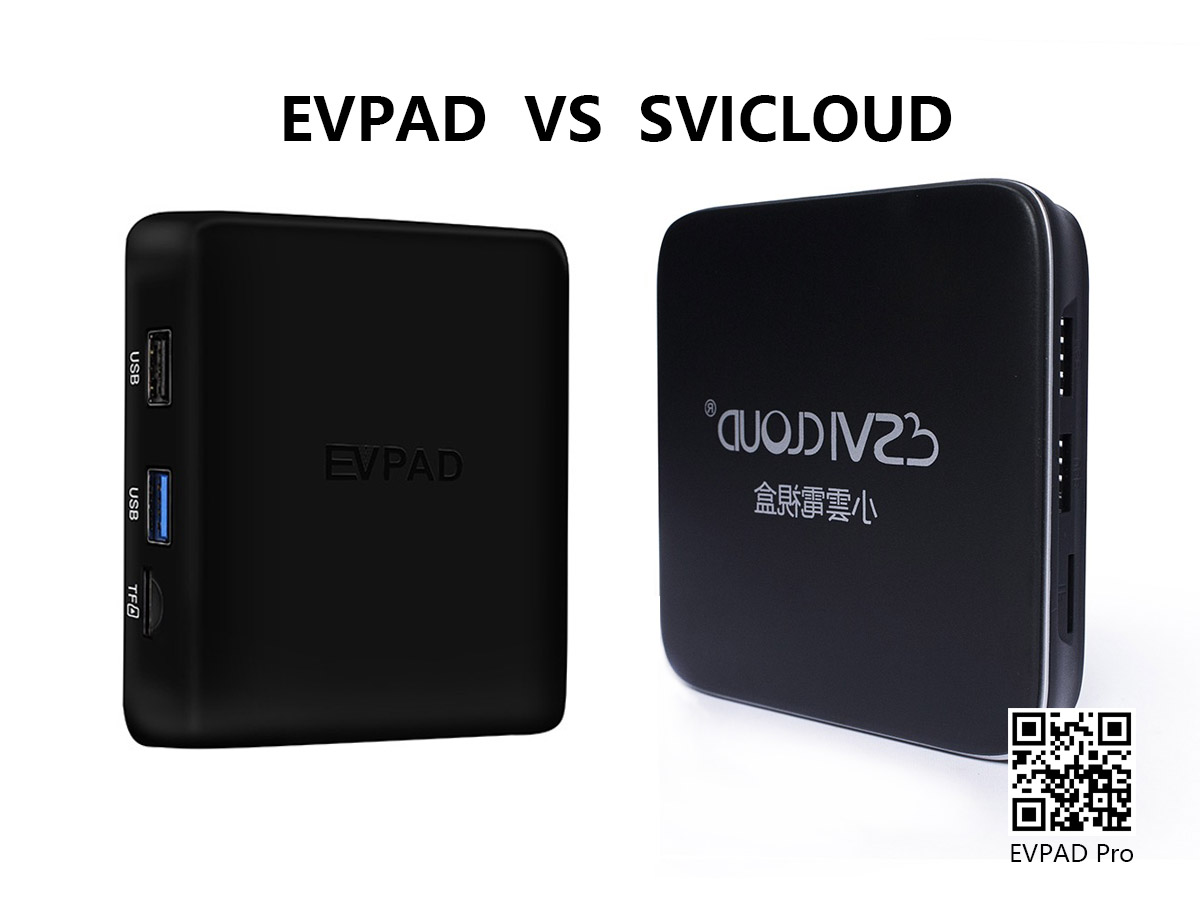
How to Change the Language of the EVPAD TV Box?
The EVPAD smart voice TV box has now been launched to the sixth generation, and two models have been launched, namely EVPAD 6P and EVPAD 6S, the two respectively represent the low memory configuration and in-memory configuration of the sixth generation of
14August
By EVPADPro | 13 August 2021 | 0 Comments
The UK TV Channel Lists in the EVPAD TV Box
In the EVPAD TV box, after the 5th generation, as long as it is the "P" series and the "Max" series, there are British TV channels, while the "S" series, such as EVPAD 6S, do not. In EVPAD 6P, there are British TV channels, the number of which is as many
13August



