





 USD
USD EUR
EUR GBP
GBP CAD
CAD AUD
AUD HKD
HKD JPY
JPY KRW
KRW SGD
SGD NZD
NZD THB
THB TWD
TWD Nederlands
 English
 繁體中文
繁體中文 日本語
日本語 한국어
한국어 ไทย
ไทย Bahasa Indonesia
 Français
 Español
 Deutsch
 Português
 Tiếng Việt
By EVPAD | 24 December 2020 | 0 Comments
EVPAD APP APK - EVPAD TV Box Set-top Installation Method of Third-Party Application Stores
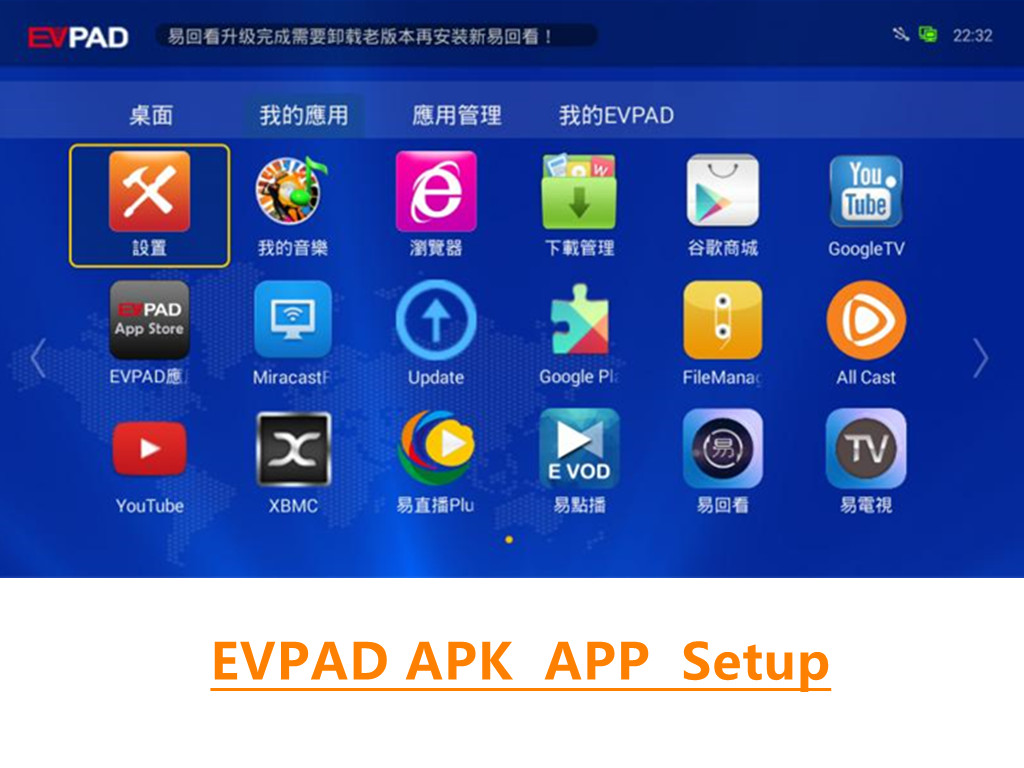
Preparation: EVPAD TV Box, USB flash drive, computer
1. Google search "Dangbei market", enter the official website to download the latest version of the apk file (direct download address of Dangbei market: http://app.znds.com/update/dbmarket.apk)

Overseas users can also choose to download the overseas English version of Dangbei Market:
http://us.dangbei.com/
http://usapk.znds.com/
2. (If you have file management, you can skip this step) First make sure there is a file manager on your box, if not, please refer to this post http://www.znds.com/article-389-1.html, use the box Assistant installation.

3. Insert the U disk into the USB interface of the EVPAD TV Box, and open the file manager of the box;

4. Find the directory where you put the software, click the software installation package and follow the prompts to install it;

5. After installation, you can open it directly, or you can find Dangbei market in the application list of the box;

6. After Dangbei Market is installed, you can install the third-party live broadcast, on-demand, game and other applications you need in Dangbei in EVPAD TV Box, such as TV Home, VST Full Aggregation, TV Cat, Taijie Video Wait!



