
 USD
USD EUR
EUR GBP
GBP CAD
CAD AUD
AUD HKD
HKD JPY
JPY KRW
KRW SGD
SGD NZD
NZD THB
THB TWD
TWD Nederlands
 English
 繁體中文
繁體中文 日本語
日本語 한국어
한국어 ไทย
ไทย Bahasa Indonesia
 Français
 Español
 Deutsch
 Português
 Tiếng Việt
By EVPADPro | 28 June 2021 | 0 Comments
How to Use Your Mobile Phone to Remote Control Your EVPAD TV Box?
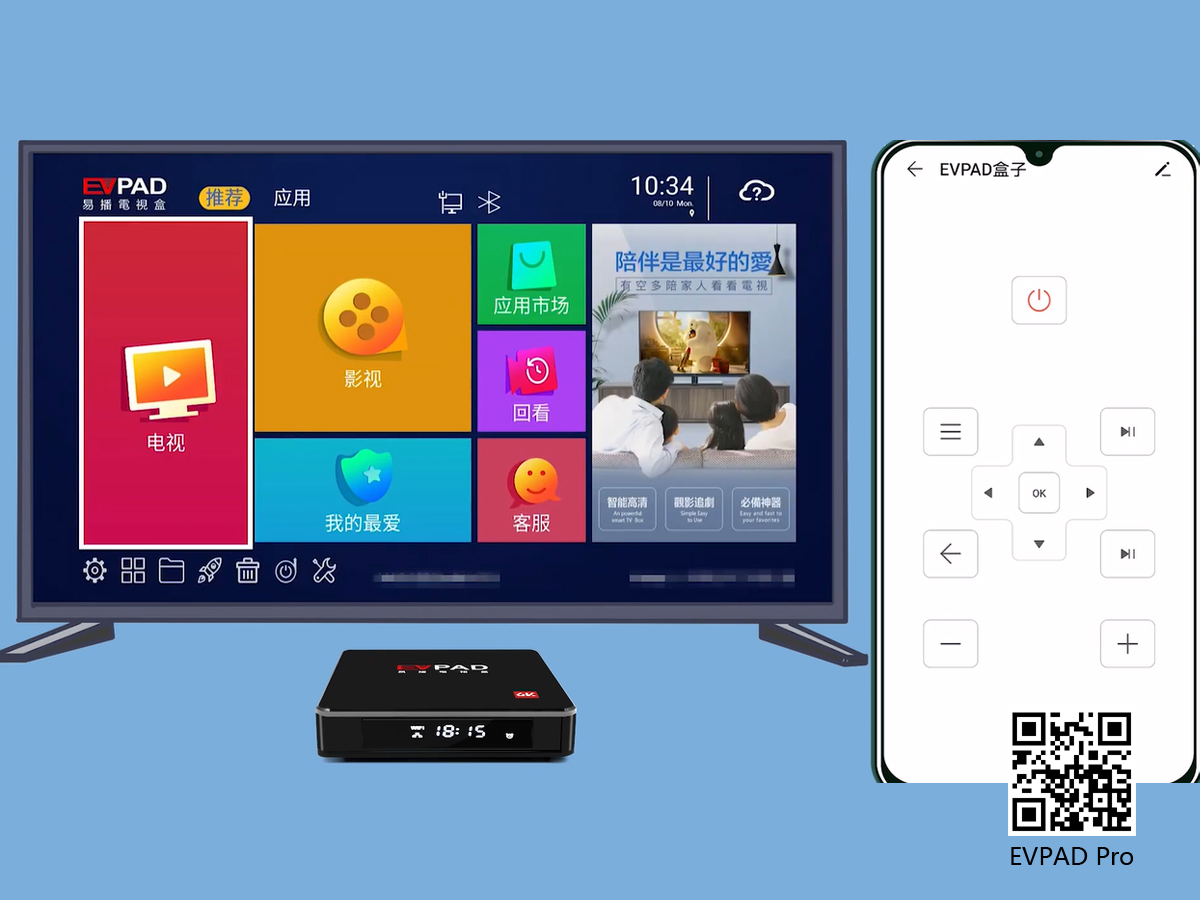
Our EVPAD TV box has an EVPAD remote control in the attached accessories, and the latest fifth-generation EVPAD TV box, the remote control is the latest smart voice remote control. Our daily lives are inseparable from mobile phones, so blogging on mobile phones is one of our daily tasks.
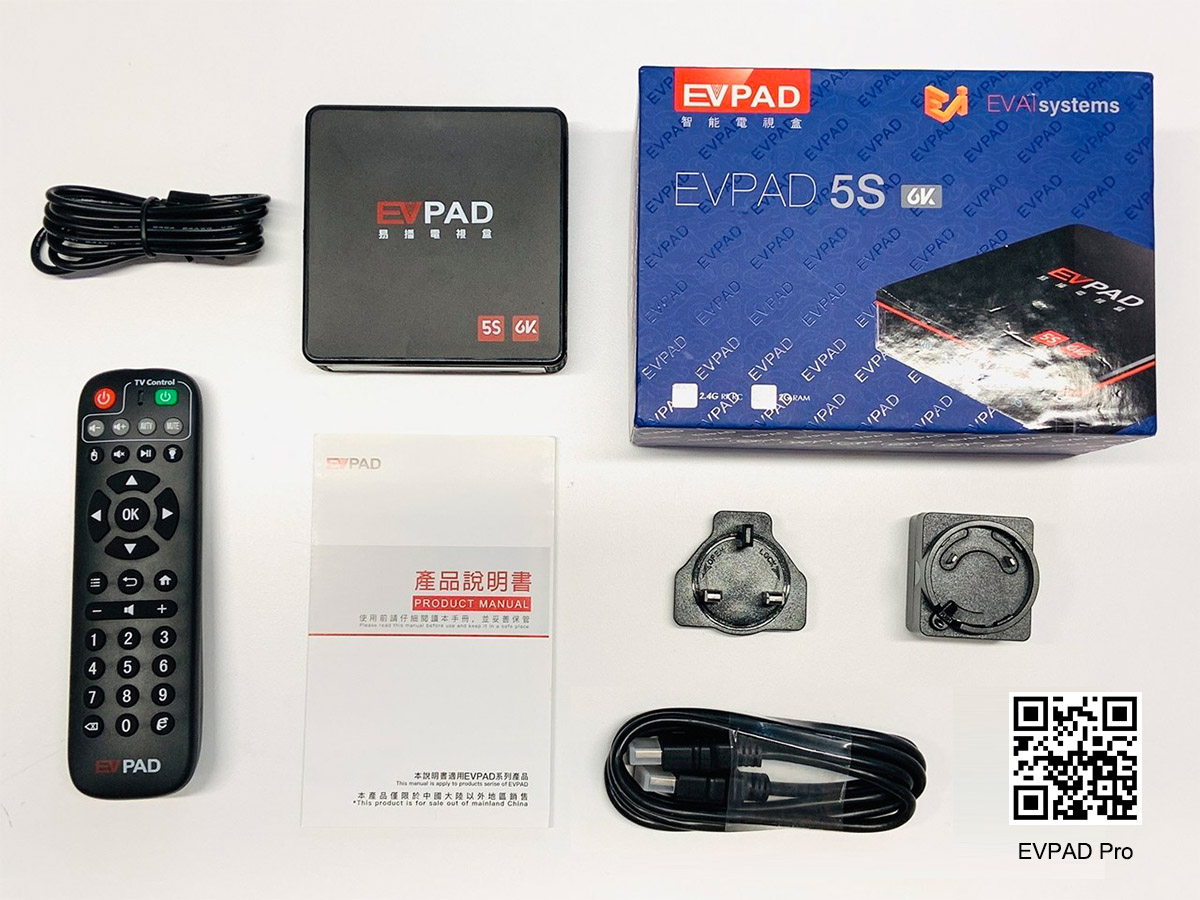
In recent years, mobile phones have added an infrared function, and we can use this to control the switch of the air conditioner. So, can we control our EVPAD TV box with our most frequently used mobile phones? The answer is yes, whether it is EVPAD 5P or EVPAD5S, or EVPAD 5Max, it is all possible.
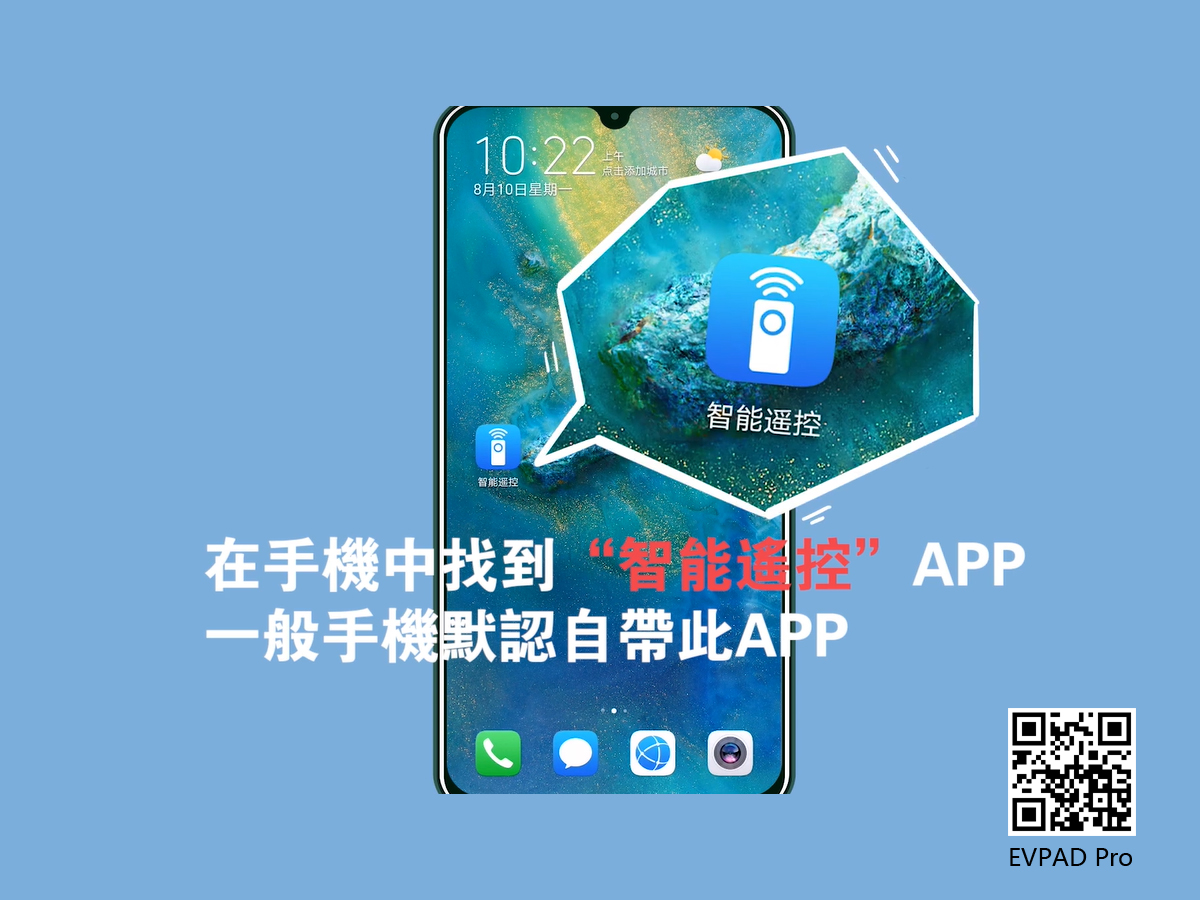
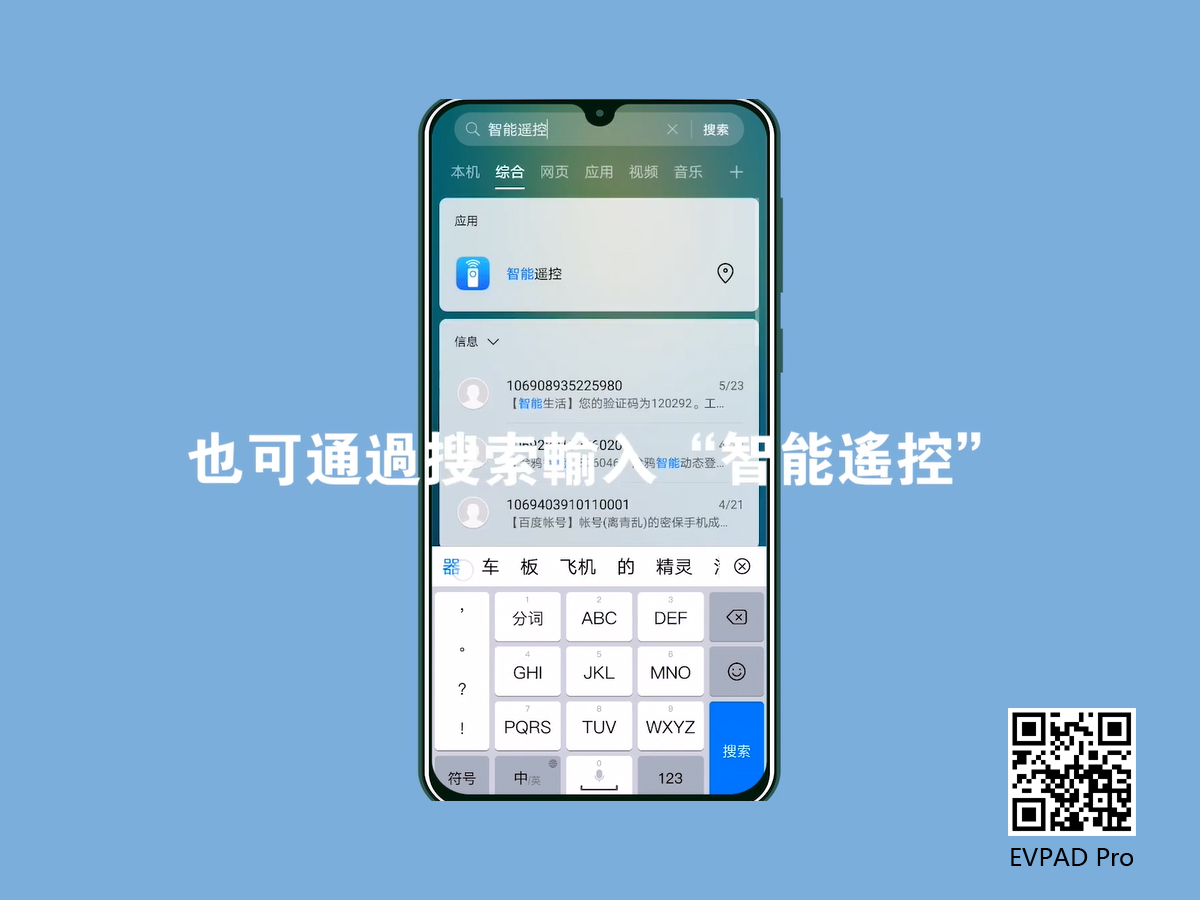
First of all, make sure that your mobile phone has an infrared function. Only the mobile phone with infrared function can emit infrared rays and can simulate the remote control to control the electrical appliances. If you have the infrared function, you can find the "Smart Remote Control" App on your mobile phone. Normal mobile phones come with it by default. If you can't find it, you can search and enter "Smart Remote Control" to search or download.
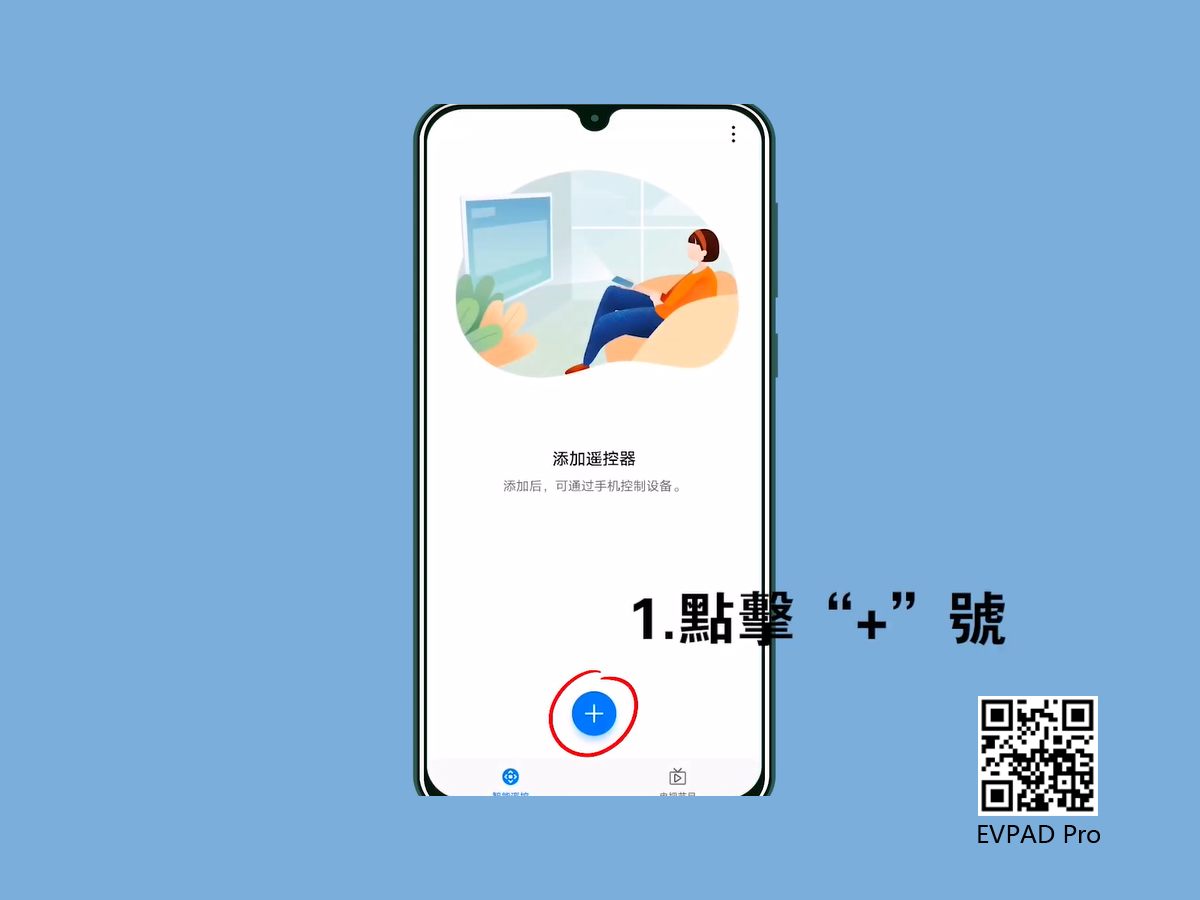
1. After entering the "Smart Remote Control" App, click on the "+" sign at the bottom.
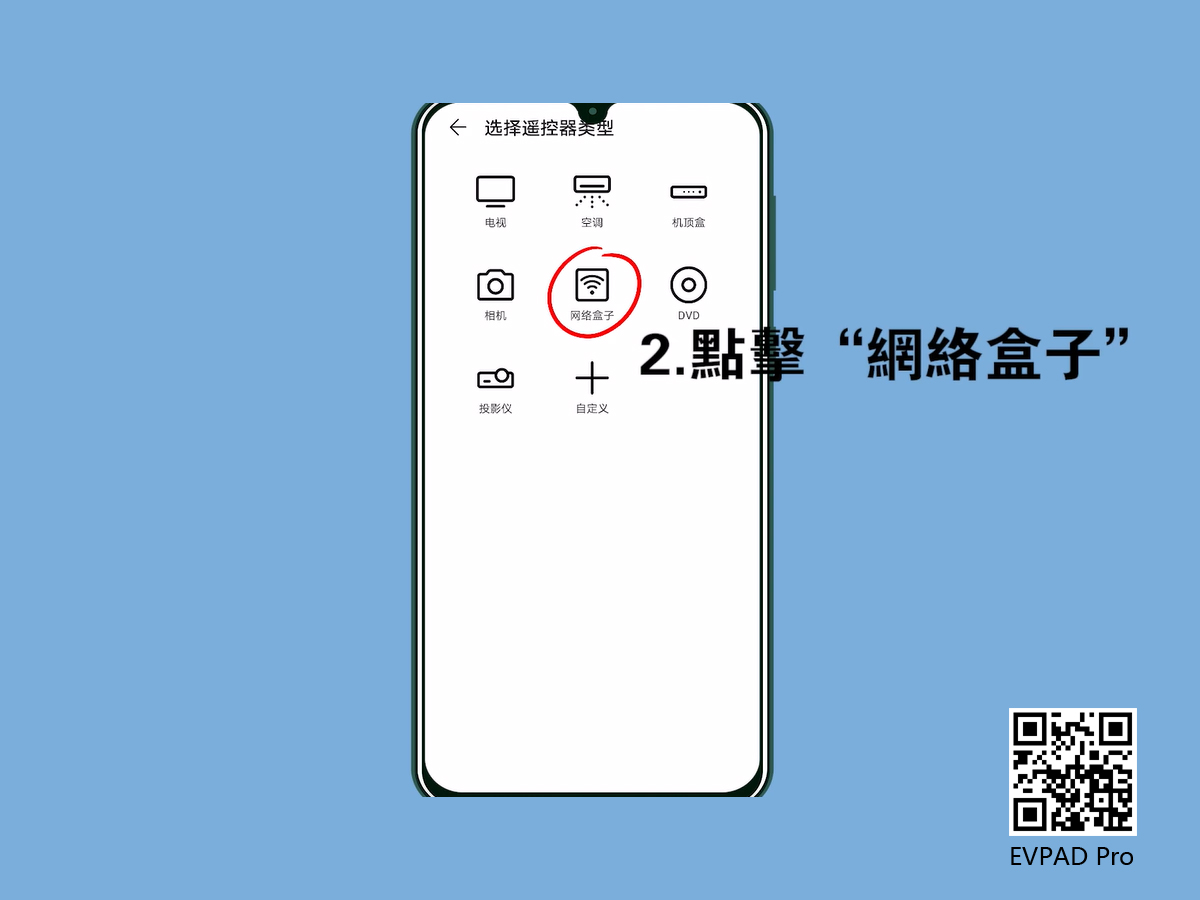
2. Click the "Network Box" option again.
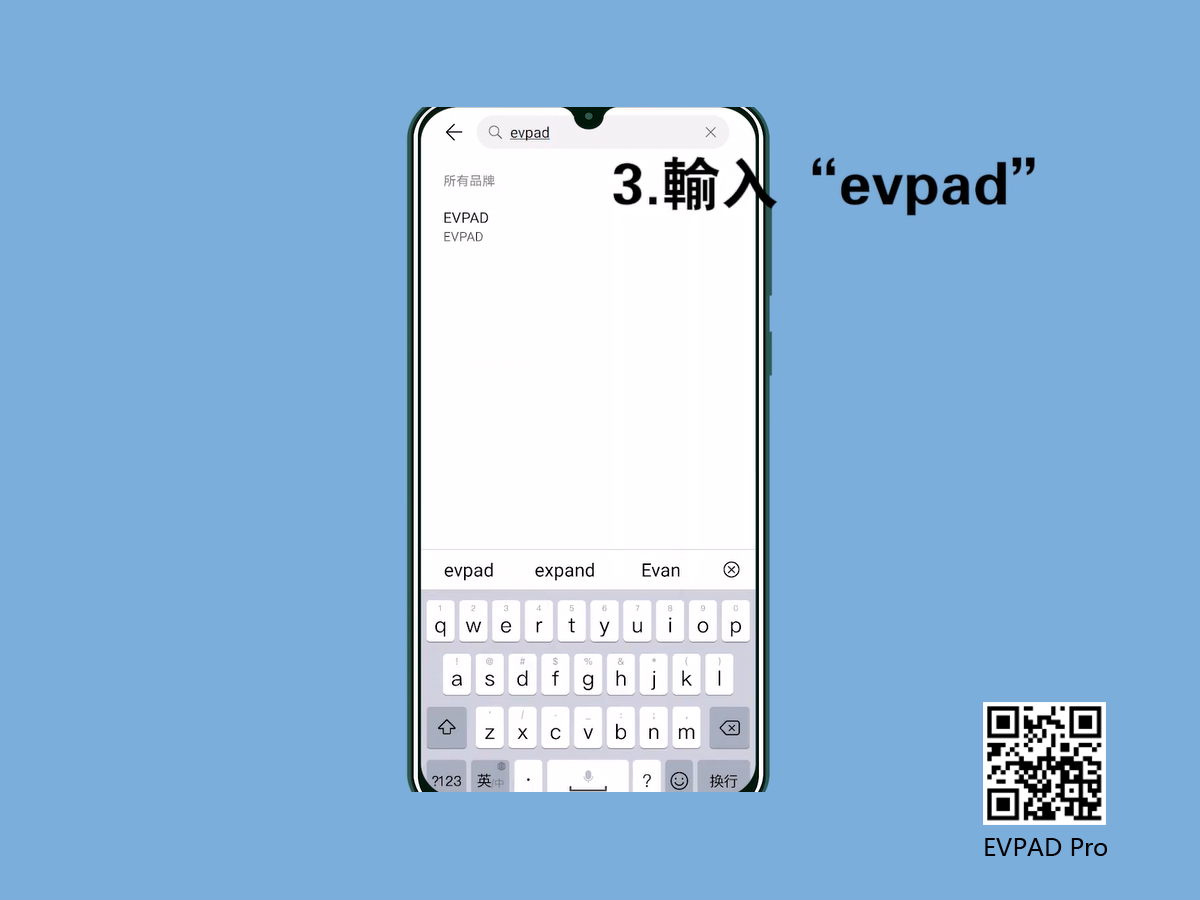
3. Enter "evpad" in the search bar.
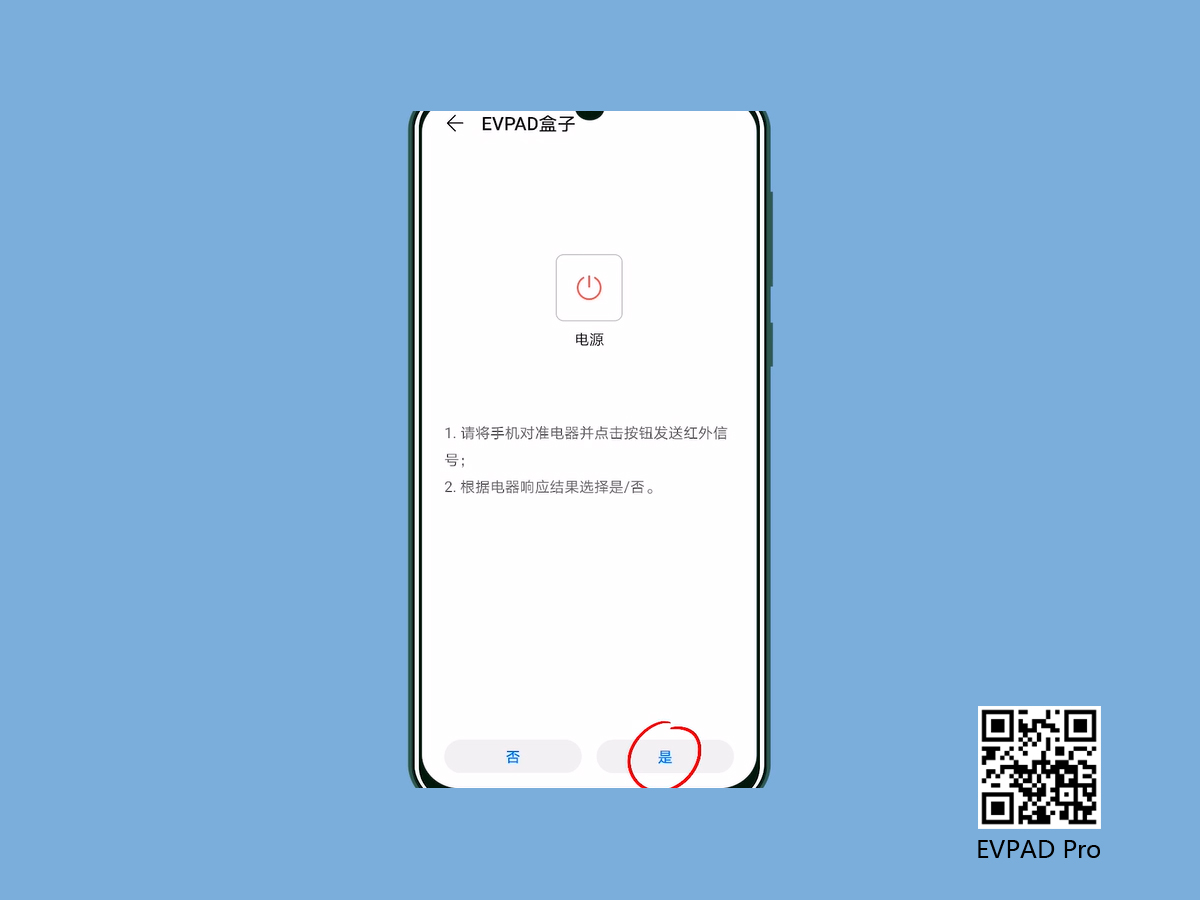
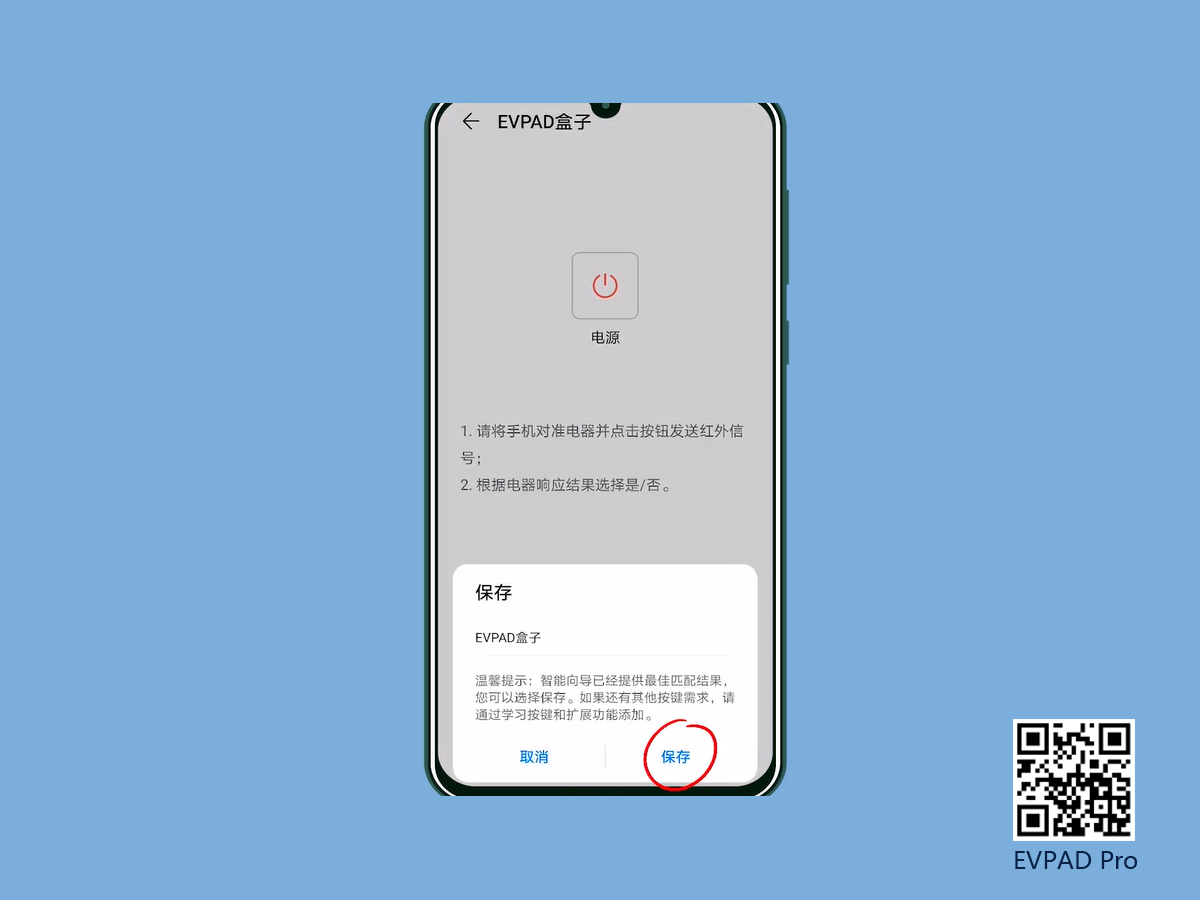
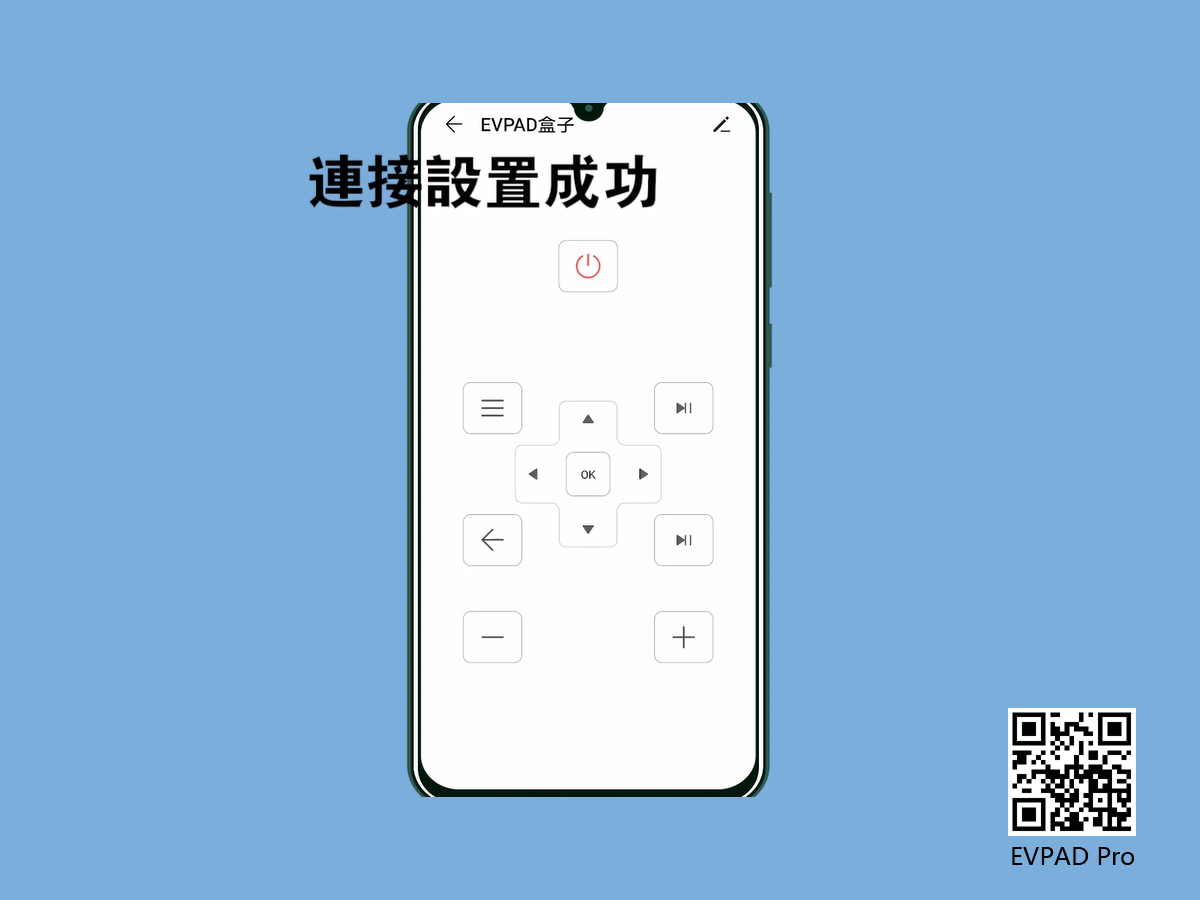
4. After entering, select the "Yes" option and click "Save" after the match is reached. At this time, the connection between the mobile phone and the EVPAD TV box is successful.